Do You Need a VPN When You Travel?
목차
- Hotel, airport and café Wi-Fi: what a VPN still protects
- Getting into your bank and accounts back home
- Countries that block sites and apps
- Where VPNs are restricted or illegal
- Install it before you leave
- Roaming, eSIMs and mobile data
- Can a VPN get you cheaper flights?
- Setting Browsec up for a trip
- FAQ
A VPN earns its place in your bag in three situations: you'll be on Wi-Fi you don't control, you need to log into accounts back home that react badly to a foreign IP address, or you're going somewhere that blocks sites and apps you use every day.
If any of those fit your trip, install the VPN and test it before you leave, because in some countries the app stores and VPN websites you'd need are blocked on arrival. And in a handful of countries, using a VPN is restricted or illegal, so check the rules for where you're going first.
Hotel, airport and café Wi-Fi: what a VPN still protects
Public Wi-Fi is safer than it was ten years ago. Most websites and apps now encrypt their traffic with HTTPS, so someone sitting in the same airport lounge can't read your bank password off the network. The FTC says as much in its guidance on public Wi-Fi. So a VPN on hotel Wi-Fi isn't about stopping some hacker from reading every keystroke. It closes the gaps HTTPS leaves open.
The gaps that matter on the road:
Fake hotspots. Anyone can set up a network called "Hilton_Guest" or "Airport_Free_WiFi" in a couple of minutes. If your phone joins it, that person controls the network you're on: they can push you to lookalike login pages or see every domain you visit. Ask the front desk for the exact network name, and treat any surprise "free" network with suspicion.
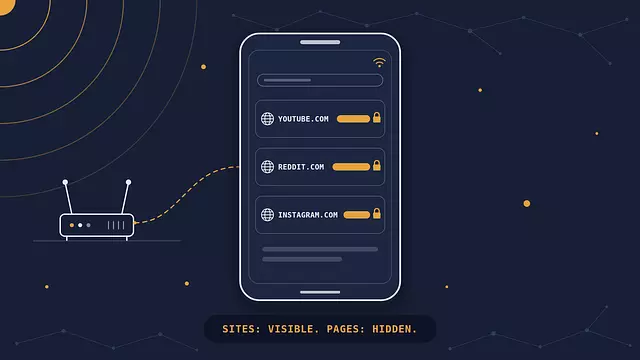
What the network owner sees. Even with HTTPS, whoever runs the Wi-Fi can usually see which sites you visit, just not what you do on them. We broke down what a Wi-Fi owner can see in a separate post. A VPN hides that list from the hotel, the café, and whoever is running a fake hotspot.
Apps that cut corners. Not every app on your phone is as careful as your banking app. A VPN encrypts all of the phone's traffic, so a sloppy app doesn't leak anything to the local network.
One practical tip: most hotel and airport networks make you accept terms on a login page (a captive portal) before you get online. Connect to the Wi-Fi, get through that page first, then turn the VPN on. Do it the other way around and the login page often won't load. For the deeper version of this topic, see our guide to using a VPN on public Wi-Fi.
Getting into your bank and accounts back home
Banks, payment services and some government portals watch where logins come from. A login from your usual city is routine. A login from an IP address in another country, at 3 a.m. your home time, looks like fraud, and the response ranges from an extra verification step to a frozen card or a locked account, usually at the least convenient moment of the trip.
Connecting to a VPN server in your home country makes your traffic look like it's coming from home, which often avoids the alarm. It isn't a guarantee. Some banks also flag IP addresses they know belong to VPN providers, so a VPN can occasionally trigger the same check it was meant to avoid. Before you go, VPN or not:
Tell your bank you're traveling, if it offers a travel notice in the app or on its site.
Make sure you can still receive your verification codes. If they come by SMS, check that your number will receive texts while roaming, or switch to an authenticator app.
Log into your important accounts once from your hotel on the first day, so a problem shows up while you still have time to call the bank.
Pack a second card from a different bank, so one frozen card doesn't leave you without money.
Streaming is the other half of "home accounts". Services like Netflix license shows country by country, so the catalog you see depends on where you're connecting from, not where you pay. A home-country server can bring back the catalog you're used to. Streaming platforms also block many VPN addresses, though, and which VPN works with which service changes constantly, so treat streaming from abroad as a nice extra rather than a reason to buy anything.
Countries that block sites and apps
Some destinations filter the internet, and the services they block are the ones travelers lean on most. In mainland China, Google services (Gmail, Maps, Search, YouTube), WhatsApp, Instagram and Facebook don't work on local networks. Russia has blocked Instagram since 2022 and has been throttling WhatsApp and Telegram, and it regularly limits mobile internet to a government-approved whitelist of sites. Türkiye has blocked social networks for days or weeks at a time, including a nine-day Instagram block in August 2024.
These blocks aren't rare edge cases. Our internet censorship statistics track how many countries filter or shut down the internet each year, and the number keeps rising. Before a trip, check whether the apps you rely on for maps, messaging with family and work email will actually open where you're going. A VPN is the usual way travelers keep those apps working, but in some of these same countries the VPN itself is restricted, which is the next thing to check.
Where VPNs are restricted or illegal
In most of the world, including the US, Canada, the EU, the UK, Japan, South Korea, Australia and much of Latin America and Southeast Asia, using a VPN is legal and unremarkable. A short list of countries restricts or bans it. Here's where things stand as of October 2026:
Country | Status | What it means for a visitor |
|---|---|---|
China (mainland) | Only government-approved VPNs are legal | Unapproved VPNs are blocked and technically unlawful. Enforcement against short-term visitors is uncommon, but it isn't zero. Hong Kong and Macau have separate internet rules. |
Russia | Not banned for individuals, heavily restricted | Many VPN services are blocked, advertising VPNs is banned, and searching for material officially listed as extremist is a fined offense. The rules are tightening fast. |
Iran | Unauthorized VPN use outlawed since February 2024 | Use is widespread, but unlicensed use breaks the law. During shutdowns, no VPN can connect at all. |
United Arab Emirates | Legal for legitimate use | Using a VPN to commit or hide a crime carries fines of AED 500,000 to AED 2,000,000 and possible jail. Using one to reach blocked services, including blocked calling apps, is also an offense. |
Belarus | Banned since 2015 | VPNs and Tor are prohibited, and blocking is heaviest during political unrest. |
Turkmenistan | Banned | Fines are reported for users, and most foreign sites are blocked anyway. |
North Korea | Banned in practice | Visitors generally don't get open internet access at all. |
Sources: Gulf News and Legal500 on UAE Federal Decree-Law No. 34 of 2021, RFE/RL on Iran, Novaya Gazeta Europe on Russia.
Laws in this area change quickly, sometimes within months, so treat the table as a starting point and check your government's official travel advice for your destination before you go. In the US that's the State Department's travel advisories, and in the UK it's the FCDO's foreign travel advice. If you're traveling for work, ask your employer: many companies have an approved corporate VPN, and in some countries that's the version the law allows. We don't recommend breaking local law, and in the countries above the consequences can be serious.
Install it before you leave
Set up your VPN at home, not at the airport. In the countries that block the most, the tools you'd use to get a VPN are blocked too.
Google Play doesn't work in mainland China, Apple removed VPN apps from its China App Store in 2017, and VPN providers' own websites are routinely blocked in the places that restrict them.
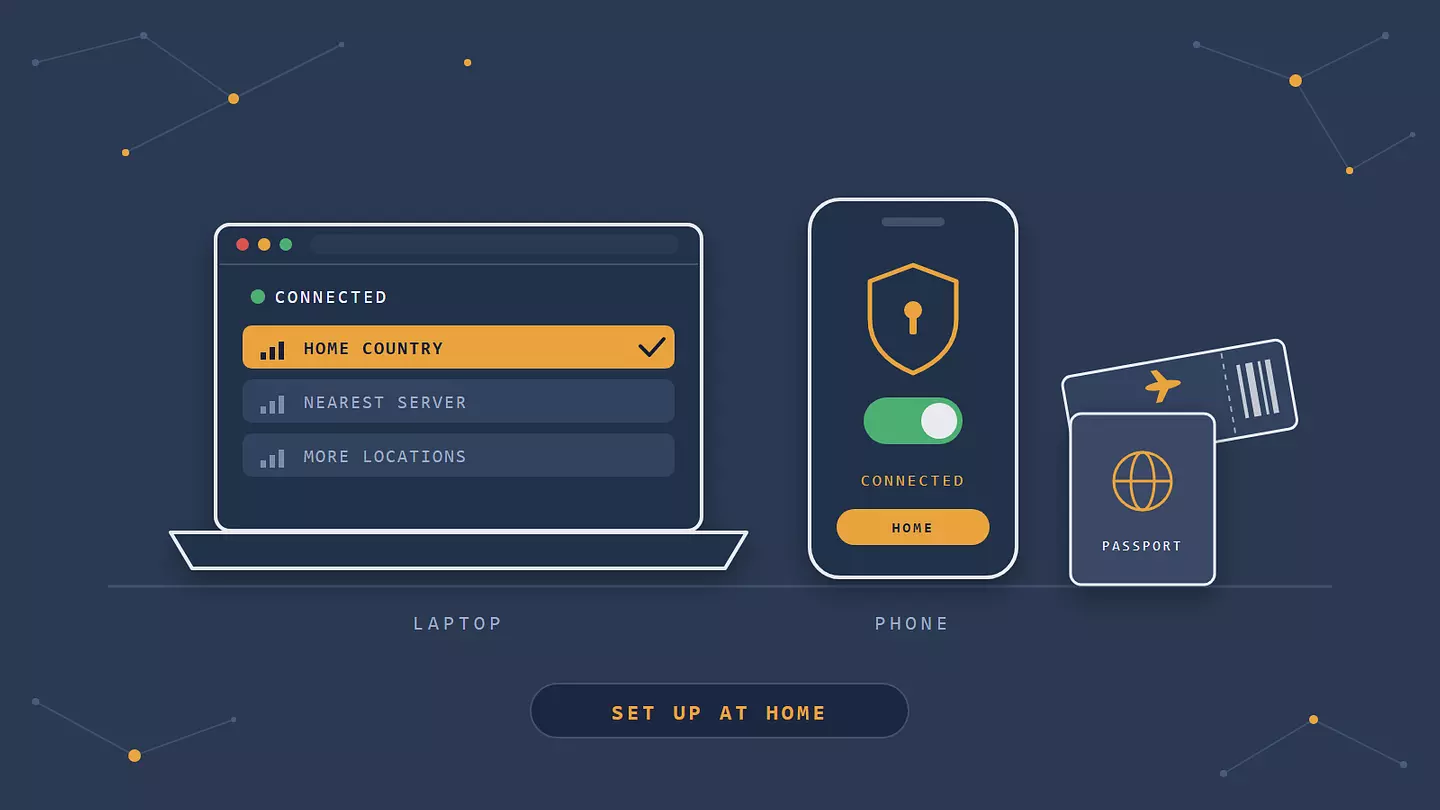
A pre-trip checklist that takes about 20 minutes:
Install the VPN on every device you're bringing: phone, laptop, tablet.
Sign in on each one at home, so a forgotten password doesn't become a problem at your destination.
Connect once to a server in your home country and once to a server near your destination, to make sure both work.
Check that your banking and messaging apps open with the VPN on.
Note down your VPN account email and where to find its download page, in case you need to reinstall.
For Browsec specifically: the desktop installers for Windows, macOS and Linux are hosted on GitHub. If GitHub is blocked where you are, the desktop download page offers mirrors, and it suggests turning on the Browsec browser extension first so you can reach the download. Still, the reliable plan is to have everything installed before you board.
Roaming, eSIMs and mobile data
Here's something most travel VPN guides skip: if you're roaming on your home SIM, you may already look like you're at home. With standard roaming, your mobile data is usually routed back through your home carrier's network before it reaches the internet, so websites see an IP address in your home country. That's why travelers roaming on a foreign SIM in China often find Google and WhatsApp still working on mobile data while the hotel Wi-Fi blocks them.
Travel eSIMs work differently. Many of them route your traffic through a partner network in a third country, so your IP address might be in Singapore, Hong Kong or the Netherlands even though you're in Thailand. That can trip the same bank alarms as local Wi-Fi does, and a VPN server back home fixes it.
A VPN also adds a little to your data use. It's a few percent on video and downloads, and a bit more on light browsing and messaging, where small packets carry the same overhead. We broke down the numbers in how a VPN affects mobile data. On a capped travel eSIM plan, that's worth knowing, but it rarely changes which plan you need.
Can a VPN get you cheaper flights?
Probably not, even though "use a VPN to save on flights" is one of the most repeated travel hacks online. The idea is that airlines and booking sites show different prices depending on your country or raise prices when they see you searching repeatedly, so switching your location gets you the cheap fare.
When people actually test it, the savings don't show up. A Tom's Guide reviewer spent six hours comparing fares across VPN locations and came away underwhelmed. Experte ran a similar test on Skyscanner, clearing cookies between searches, and found no savings either. A UK newspaper group checked flights from three airports, Manchester, Birmingham and Heathrow, to Spain, the US and Dubai, and saw no difference with or without a VPN. Fares are driven mostly by demand and how many seats are left, and both change by the hour, so a price gap you spot between two searches is usually just timing.
There are narrow exceptions. Some airlines sell fares or promotions only in their home market, and some hotels and attractions offer local rates. Even then, payment often fails if your card is from a different country than the one the booking site thinks you're in. If you want cheaper flights, price alerts and comparing several booking sites will do more for you than a VPN.
Setting Browsec up for a trip
The most important thing to get right is which Browsec app covers what, because it decides whether your banking app is protected or not.
Browsec app | What it covers | Plan |
|---|---|---|
Browser extension (Chrome, Firefox, Edge, Opera) | Only traffic from that browser | Free and Premium |
Mobile app (iOS, Android) | Everything on the phone, including banking and messaging apps | Free and Premium |
Desktop client (Windows, macOS, Linux) | Everything on the laptop, including mail clients and other apps | Premium only |
If you're traveling with just a phone, the free mobile app on iOS or Android covers your banking app, WhatsApp and everything else on it. The browser extension alone won't: it protects pages you open in that browser, but your phone's banking app and messaging apps go around it. On a laptop the logic is the same. The extension covers the browser, and the desktop client covers the whole machine.
A Premium subscription allows five simultaneous sessions, in any mix of browsers, desktop apps and phones. For a typical trip with a phone and a laptop, or two travelers sharing an account, that's enough to keep every device connected at once. Browsec has servers in 46+ countries, so in most cases you can pick a server in your home country for banking and home services, then switch to one closer to where you are when speed matters more.
FAQ
Should I connect to a server at home or close to where I am?
Use a home-country server for anything tied to your home location: banking, government services, your usual streaming catalog. Use a server close to where you are for general browsing on hotel Wi-Fi, because a shorter distance usually means a faster connection. You can switch between them in a few seconds, so there's no need to pick one for the whole trip.
Does a VPN work on in-flight Wi-Fi?
Usually, yes. Most airline Wi-Fi lets VPN connections through, though the cheapest "messaging only" tiers on some airlines block them. In-flight Wi-Fi runs over satellite links with high latency, so expect everything to feel slow with or without a VPN. Connect after you've signed in on the airline's portal, the same as on hotel Wi-Fi.
Is a free VPN enough for a trip?
For many trips, yes. If you need to protect browsing on hotel Wi-Fi and the apps on your phone, Browsec's free extension and free mobile app cover that. You'd need Premium for the desktop client, to cover the whole laptop, and to keep several devices connected at once. Be careful with unknown free VPN apps, though. Some make their money by collecting and selling your data, which is the opposite of why you installed a VPN.
Will a VPN slow down hotel Wi-Fi?
A little, and less than you'd think. Your traffic takes an extra hop through the VPN server, so a distant server adds delay. On hotel Wi-Fi the bottleneck is usually the hotel's own connection, shared by every guest, so the VPN is rarely the thing slowing you down. If it is, switch to a closer server.
How do I check my VPN is working before I rely on it?
Turn the VPN on and check your IP address and location: they should show the server's country, not yours. Do this at home before the trip, and again on your first day. Our guide to checking your VPN works walks through the IP, DNS and WebRTC leak tests in a couple of minutes.
이 글 인용하기
Browsec. "Do You Need a VPN When You Travel?." Browsec Blog, 2026년 10월 13일, https://browsec.com/ko/blog/travel-vpn.